01
OfferIdentitySigned ✓
Welcome people.
Without the paperwork.
Connect employment agreements, onboarding documents and employee declarations in a repeatable HR workflow.
HR & PEOPLE OPERATIONS
GOODID ENTERPRISE
Bring identity verification, mobile signing and your business workflows together. Flexible enough for your process. Ready to connect to your systems.
Built on GoodID. Designed for mid-market and enterprise teams.
 THE GOODID FOUNDATION
TRUST STARTS WITH THE PERSON
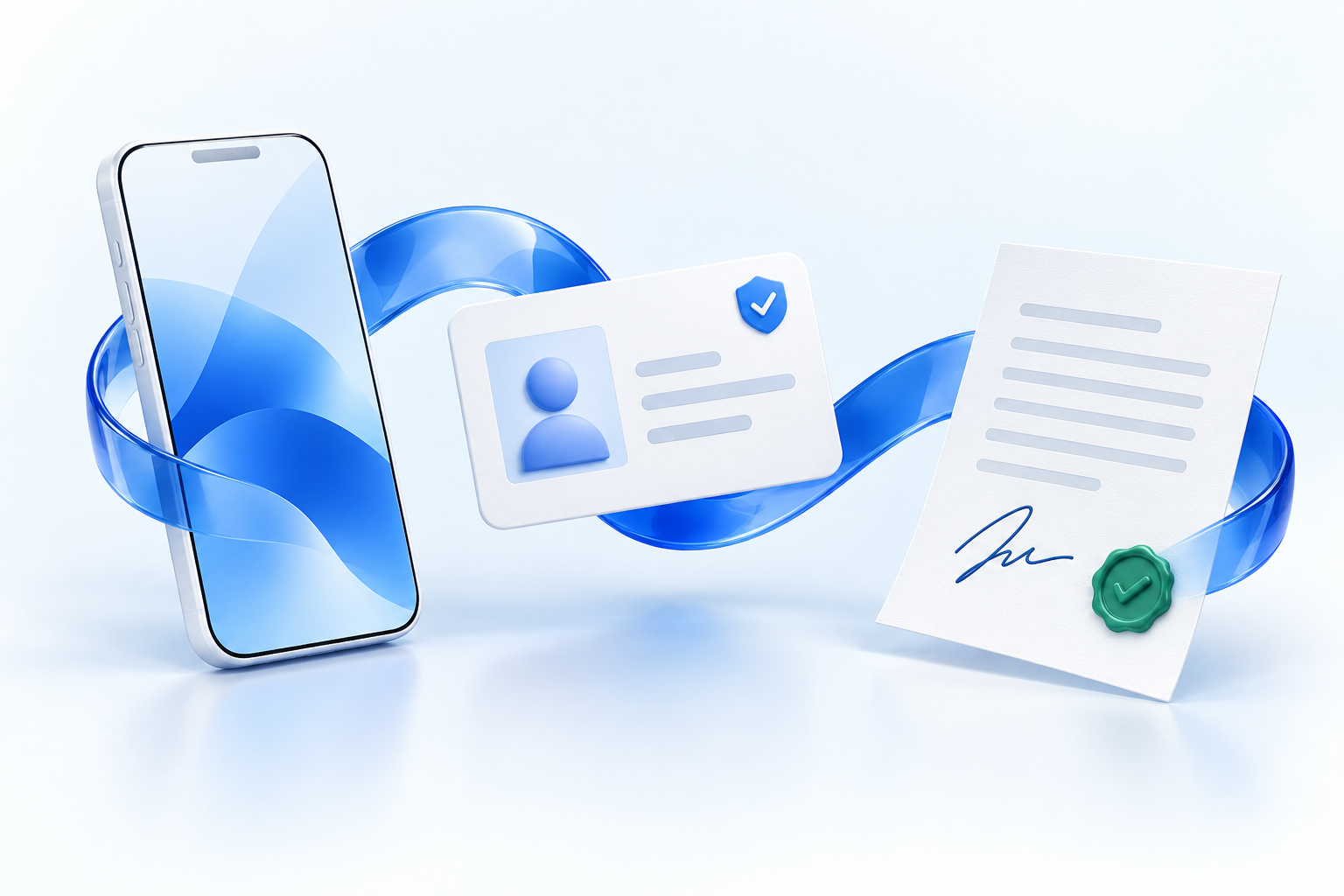
GoodID connects mobile identity verification with electronic signing. Your enterprise workflow brings the documents, people and next steps together.
First-time signers verify their identity with a supported ID document and a selfie in the GoodID app.
Review the document and approve signing with two-factor authentication in GoodID.
Follow the status, retrieve signed documents and continue the workflow in your existing systems.
YOUR ENTERPRISE SIGNING WORKSPACE
Prepare documents, coordinate signers and follow progress. A configurable workspace for the way your teams actually work.
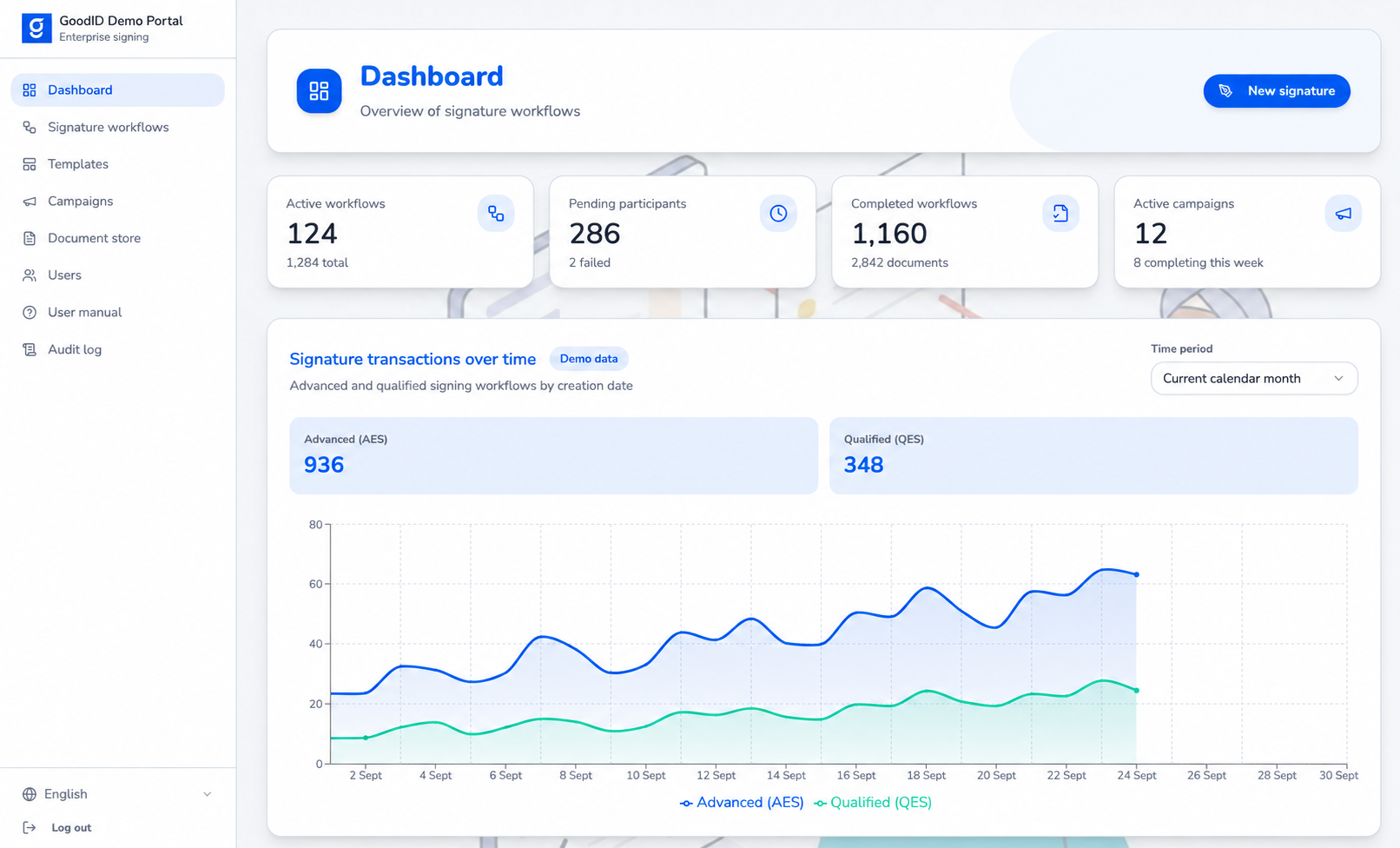
Follow document status, signing progress and each participant’s next action in one workflow view.
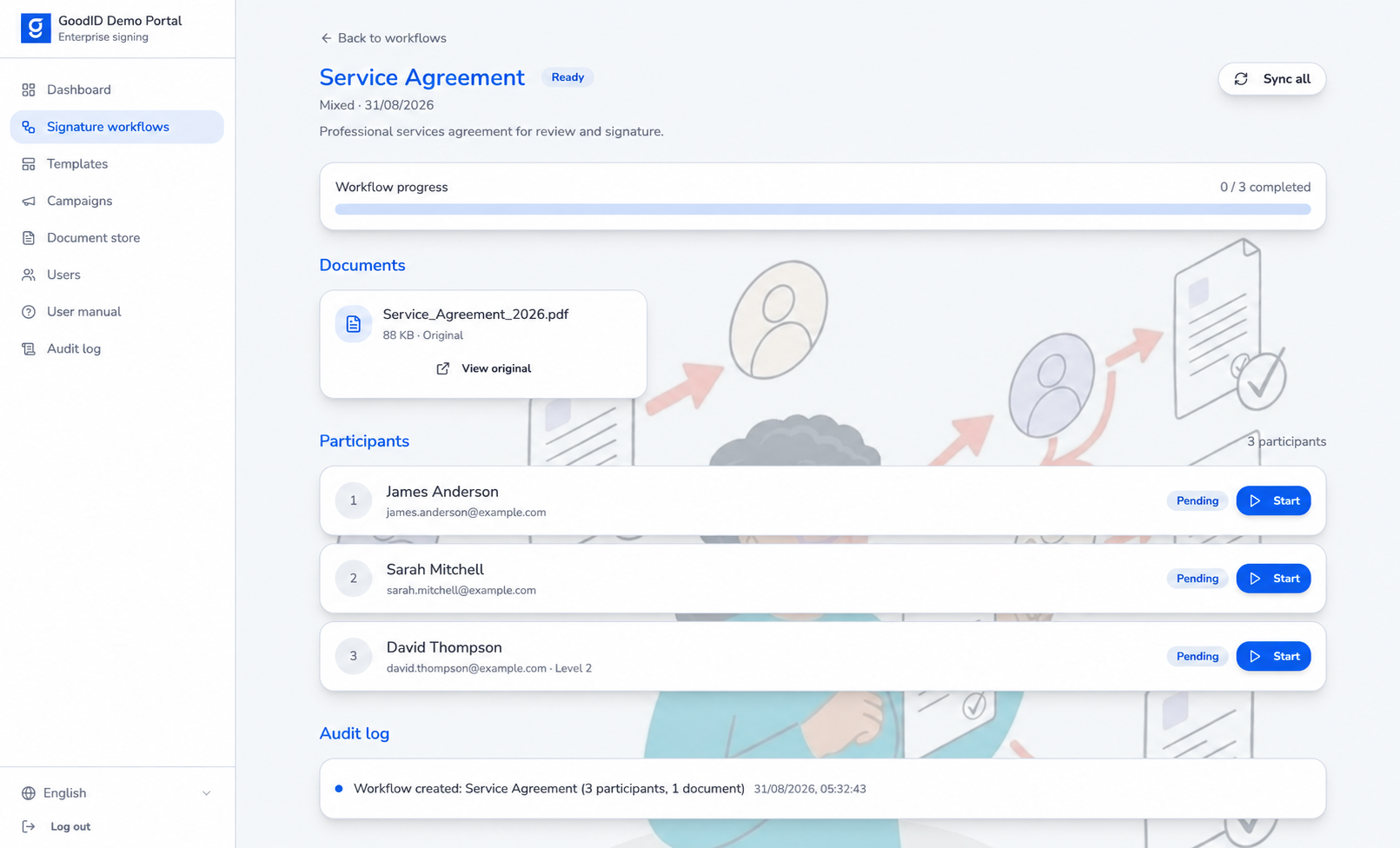
GoodID Enterprise demo screens with illustrative data.
Keep documents and signing requests together, from preparation to retrieval.
Reuse workflow templates and coordinate high-volume signature campaigns.
Bring roles, participant status and audit history into the same workspace.
BUILT AROUND YOUR PROCESS
Choose the workflow that fits the document and the people involved.
Each signature starts the next step. Keep responsibilities clear and the signing order under control.
INVITE PEOPLE. REMOVE FRICTION.
Invited signers can participate without buying a separate GoodID licence or subscription. Your organisation funds the signing service.
Explore your signing model ↗WHERE WORK GETS DONE
Make the first workflow count. Then extend a proven approach across teams and business units.
Connect employment agreements, onboarding documents and employee declarations in a repeatable HR workflow.
HR & PEOPLE OPERATIONSBring customers, partners and internal signers into a coordinated process for sales and supplier agreements.
SALES & PROCUREMENTCoordinate recurring operational documents and bulk campaigns across distributed teams and locations.
OPERATIONS & FIELD TEAMSFITS YOUR ENTERPRISE
Start with a configurable portal, connect GoodID Enterprise to your business applications, or embed signing into your own product.
EnterpriseIdentity + signing + workflowIllustrative integration architecture. Connections are scoped to your systems.
THE RIGHT ASSURANCE FOR THE DOCUMENT
Match the level of electronic signature to your use case, jurisdiction and internal policy.
The primary enterprise signing mode, built around GoodID’s identity verification and mobile signing flow.
Qualified signing can be enabled where the supported service and use case require it.
EDITIONS
Choose your edition around your organisation’s size, signing volume and control requirements.
For organisations with
100–500 employees.
Get your teams started with a shared signing workspace and familiar tools.
For organisations with 500–1,000 employees or high transaction volumes.
Connect signing more deeply to your systems and automate repeatable work.
For organisations with 1,000+ employees or highly regulated operations.
Align deployment and access control with demanding enterprise requirements.
Let’s scope your edition. Contact us for pricing and to agree your integration scope, deployment and support terms.
Request a proposal ↗Scroll horizontally to compare Pro, Elite and Titan.
| Feature | Pro | Elite | Titan |
|---|---|---|---|
| Recommended for | 100–500 employees | 500–1,000 employees or high transaction volumes | 1,000+ employees or highly regulated operations |
| Primary value | Quick deployment | Efficient automation | Compliance and security |
| Authentication | Google, Microsoft, Apple, email/password | Google, Microsoft, Apple, email/password, OAuth, SSO | Google, Microsoft, Apple, email/password, OAuth, SSO |
| Document platforms | Google Drive, SharePoint, OneDrive, Dropbox, Box, Confluence | Google Drive, SharePoint, OneDrive, Dropbox, Box, Confluence + custom integration | Google Drive, SharePoint, OneDrive, Dropbox, Box, Confluence + custom integration |
| Permissions | Admin, Team lead, Standard user | Custom permissions | Custom, integrated permissions |
| Deployment | Public cloud | Public cloud | Private cloud / on-premises |
| Sandbox & staging | Not included | Included | Included |
| Audit trail | Included | Included | Included |
| Support | Pro | Elite | Titan |
| Integrations | Built-in integrations | API | API and headless operation |
PARTNER PROGRAM
Help your clients move from paper-based approvals to connected signing workflows. Build a practice around GoodID Enterprise, or bring a white label signing offer to market under your own brand.
Become a partner ↗Each process a client moves online creates work around process design, identity, system integration and adoption. Bring your industry knowledge to HR, sales, procurement and regulated operations.
Europe’s digital identity and trust-services framework supports this transition.
Explore the European digital trust framework ↗Map document processes, identify friction and define a practical signing roadmap.
Discovery · Process designConfigure workflows and connect signing to the HR, CRM, ERP and document systems your clients use.
Configuration · ImplementationGuide adoption, improve established workflows and extend the solution to more teams and use cases.
Adoption · Ongoing servicesWHITE LABEL OPPORTUNITY
Offer electronic signing under your own brand. Combine GoodID’s identity and signing technology with your industry expertise, implementation and ongoing services to build a recurring service proposition for your clients.
For an embedded experience, Titan’s API and headless operation let you build signing into your own product interface. Shape the branding, delivery model and commercial scope together with GoodID.
A DISTINCTIVE GOODID FOUNDATION
Mobile identity verification and reusable digital identity bring trust into the signing journey.
Invited signers need no separate GoodID licence or subscription. The initiating organisation funds the service.
A configurable portal, API integration and flexible workflows give your expertise room to add value.
Bring your client knowledge. Let’s build the right signing solution together.
Discuss a partnership ↗A FEW PRACTICAL QUESTIONS
No separate GoodID licence or subscription is required for invited signers. The initiating organisation funds the signing service. Usage and implementation terms are agreed as part of the commercial scope.
The solution is designed for integration through APIs and server-side services. The integration scope depends on your applications, document flows and security requirements. You can also start with a configurable portal.
The signer follows the invitation, reviews the document and signs through the GoodID app. First-time users complete identity verification with a supported ID document and a selfie. Signing uses two-factor authentication.
Yes. Sequential workflows define who signs next. Parallel workflows let participants sign their own document copies, while mixed workflows combine parallel groups and sequential stages. The final-document requirements are defined for each use case.
No. Advanced electronic signing is the primary mode. Qualified signing is available where the configured service supports it. The appropriate level and any additional legal formalities must be assessed for the document and jurisdiction.
GOODID ENTERPRISE
Bring one document process. We’ll explore the people,
systems and signature requirements with you.